
Introducing the All-in-One Cloud Workspace
Your Private Hub to Store, Organize, and Share WordPress Design Assets
Designing websites often involves juggling files across local folders, cloud drives, multiple tools, and endless zip exports. We have been there. That’s exactly why we created the WDesignKit Cloud Workspace, a centralized, secure space to manage everything from website templates and widgets to Figma files.
Whether you’re a solo creator or part of a team, our Cloud Workspace helps you work faster, collaborate smarter, and reuse your assets more efficiently across all your WordPress projects.
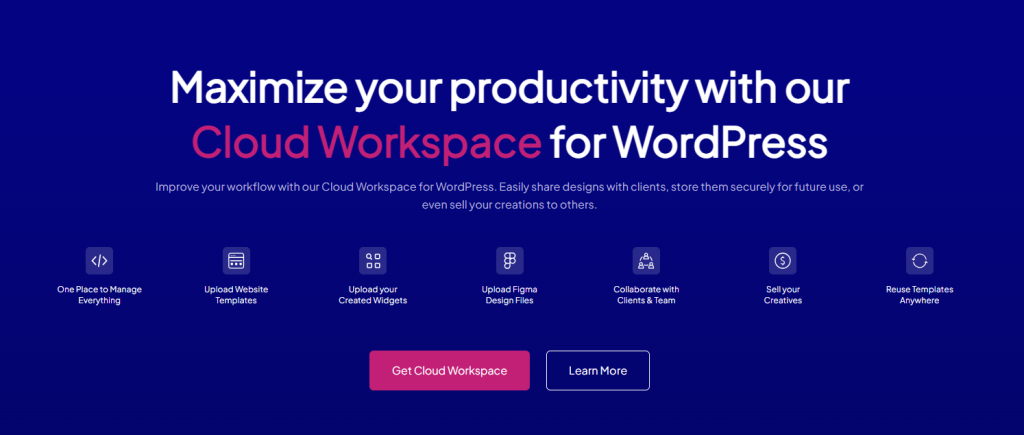
One Place to Manage Everything
No more scattered backups or file chaos. The Cloud Workspace gives you a structured environment to:
- Upload and store website templates
- Save your custom widgets
- Collaborate with clients and team members
- Reuse templates across multiple sites with ease
Everything stays connected to your WDesignKit account and accessible anytime, anywhere.
Access Anytime, From Any Site
Once your assets are synced to the cloud, they’re available wherever you are, whether it’s your personal site, a client project, or a fresh install.
Simply log in, pick what you need, and deploy.
No more zip files, manual imports, or lost designs.
Built for Teams, Freelancers, and Agencies
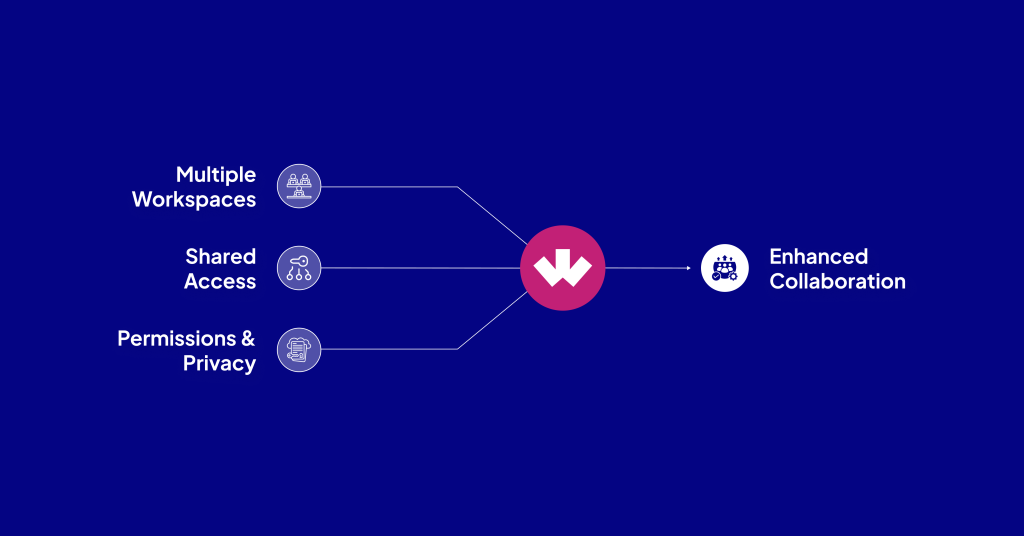
Collaboration is core to modern web creation. That’s why the Cloud Workspace supports:
- Multiple Workspaces: Create workspaces based on clients, departments, or projects.
- Shared Access: Invite teammates or clients to view or contribute assets.
- Permissions & Privacy: Control visibility, edit access, and folder-level permissions with ease.
You can even request assets from others, just share your email, and they can grant access instantly.
Stay Organized With Smart Categorization
We’ve made asset management seamless. Within your Cloud Workspace, you can:
- Group assets into Workspaces
- Create custom Categories
- Mark items as Favorites for quick access
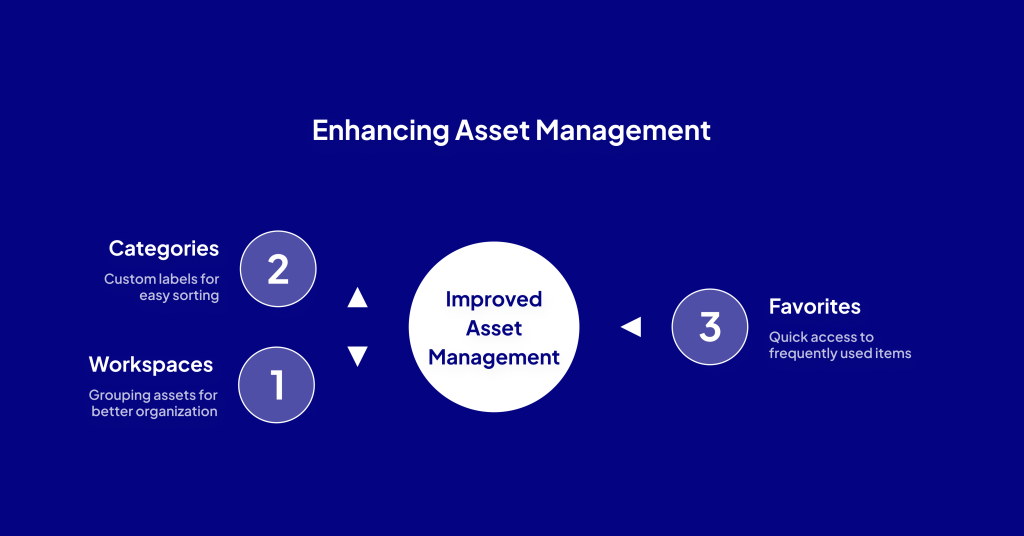
This makes locating the right asset at the right time easier than ever, and ensures you never lose track of your work again.
Safe, Secure, and GDPR-Ready
We take your data seriously. The Cloud Workspace is built with privacy and performance in mind:
- GDPR-compliant data handling
- Option to choose your preferred server region
- Secure cloud infrastructure
Whether you’re managing internal files or collaborating with clients, your assets stay protected.
Instant Access to Our Growing Asset Library
Don’t want to start from scratch? You don’t have to.
As part of your Cloud Workspace, you’ll also get access to:
Speed up every phase of your web creation, from prototyping to publishing, with professionally designed resources.
Final Thoughts
Whether you’re an agency building dozens of client sites, or a freelancer looking to streamline your process, the WDesignKit Cloud Workspace gives you the control, flexibility, and speed you need, all from one place.
- No more messy folders.
- No more rebuilding the same designs.
- No more email threads to share assets.
Just smart, organized collaboration, backed by powerful tools and total control.
Ready to Try It?
Set up your first Workspace today and experience the easiest way to store, share, and scale your WordPress design workflow.
👉 Get Started with Cloud Workspace
More from the blog
Introducing the 1-Click Widget Convertor
Build Once. Use Anywhere. Tired of rebuilding the same widget over and over for Elementor, Gutenberg, or Bricks?We hear you. That’s why we built the 1-Click Widget Convertor, a time-saving feature inside the WDesignKit Widget Builder that lets you instantly convert widgets between major page builders. No more duplication, no more frustration. Just design once, […]
Introducing the WDesignKit Widget Builder
Build Once. Reuse Everywhere, No Coding Required. Building custom WordPress widgets used to mean juggling plugins, writing custom code, and dealing with scattered backups. After years of creating websites and talking with agencies, we noticed a recurring pain: creators needed a unified, easy-to-use system to build and reuse widgets across page builders, without relying on […]
Introducing WDesignKit’s Figma Templates: Your Blueprint for Modern Web Design
Design smarter. Build faster. With our all-new 50+ Figma Template Kits, you can now prototype and visualize stunning websites in minutes, before ever touching WordPress. We built these templates to save you time, elevate your design quality, and bridge the gap between design and development. What’s Inside? 50+ Figma Kits Each kit includes a variety […]
What are Template Kits, Sections, and Full Pages in the WDesignKit Templates Library?
When you’re building a WordPress site, you shouldn’t have to start from scratch or settle for basic layouts. With WDesignKit, you get a full Templates Library packed with Template Kits, Full Pages, and Sections, all organized neatly by categories. Here’s a simple breakdown of what each one offers and how they can speed up your […]